Growing old often means an empty nest, which can be a hard adjustment. Suddenly, your house feels emptier and your days, lonelier. And if you aren’t tech savvy? You find yourself calling your younger family members for their help 2-3x a day.
Whether you want to combat old-age loneliness by keeping in touch with loved ones, want more entertainment, or be independent when it comes to looking up important information by yourself, here are 17 useful and fun websites for seniors that could improve your life.
Key Takeaways
| – Social Connection: Combat loneliness by reconnecting with high school friends and exploring old yearbooks on Classmates.com, or hosting group video calls with family via Zoom. – Essential Resources: AARP and the National Council on Aging (NCOA) offer comprehensive guides on health, travel discounts, and financial assistance programs specifically for older adults. – Tech Literacy: Websites like Tech Life Unity and YouTube provide easy, step-by-step video tutorials to help seniors master smartphones, tablets, and internet safety. – Cognitive Health: Keep your mind sharp with free online games. Classmates Games offers Mahjong and Bubble Shooter, while the NYT Games app features daily challenges like Wordle and Connections. – Health & Fitness: Access medically-vetted information on WebMD, manage federal insurance via Medicare.gov, or join age-appropriate workout classes through Silver Sneakers. – Financial Independence: Use Social Security (SSA.gov) to manage retirement benefits and Investor.gov for free tools to help your savings keep pace with inflation. – Career Opportunities: For those seeking part-time work or a “second act,” Retirement Jobs and Workforce50 list age-friendly employers who value experience over youth. |
Human Connection and Messaging Websites for Seniors
Did you know that up to 57% of older people are vulnerable to loneliness? In addition to making you feel icky, social isolation also negatively impacts your physical and mental health.
These websites help you stay connected with your loved ones (and even look up old friends) no matter how far away they are.
Classmates.com®

Classmates® is a website that helps you find old school and college pals and rekindle your friendships by reminiscing about the good old days. It also doubles up as a social hub, where you can create your own profile and share old memories about all the things you got up to when you were younger.
Classmates’s best features include:
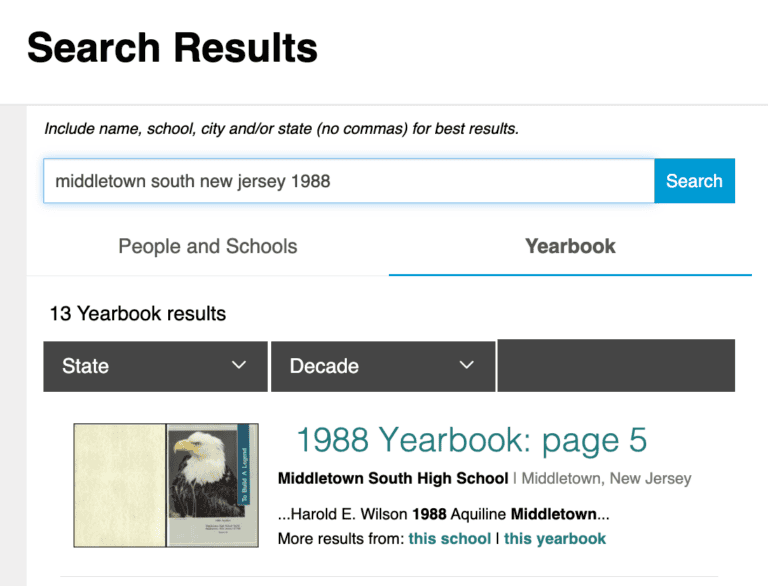
- The yearbook finder: The Classmates yearbook archive features more than 480,000 elementary, middle, and high school as well as college yearbooks, dating back decades! You can browse old photos and trigger nostalgic memories. Browse yearbooks here
- The messaging feature: The friends that you spent school and college with are special, because you practically grew up with them. If you’ve lost touch and wish you could talk to them again, search for them on Classmates and use the public or private messaging feature to get in touch with them!
- Reunion planning: who doesn’t love to get together with their old friends from high school? Use it as your go-to reunion planning website for your next reunion event.
Register on Classmates for free, reconnect with old friends, and even plan a class reunion! Want to enjoy Classmates on the go? Download the mobile app.
Zoom

© Zoom.
While Zoom is technically a video conferencing platform for work teams, it’s a great website to use to video call family and friends (especially when you want to have a group chat).
With the free basic plan, you can have as many video calls as you want with up to 100 people at a time. Calls, however, are limited to 40 minutes. Have quick 1:1 chats every day, or schedule group catch-up sessions periodically. It’s easy to invite people through a single link.
Too many people talking at the same time? You can turn on automated captions or record the video calls!
Websites with Helpful Resources for Seniors
Let’s face it: websites have pretty much replaced physical resources. So, if you want to stay independent and get periodic, credible information on navigating life as a senior, then you need an arsenal of informational websites. Here are a few that work as resource hubs.
AARP
© AARP
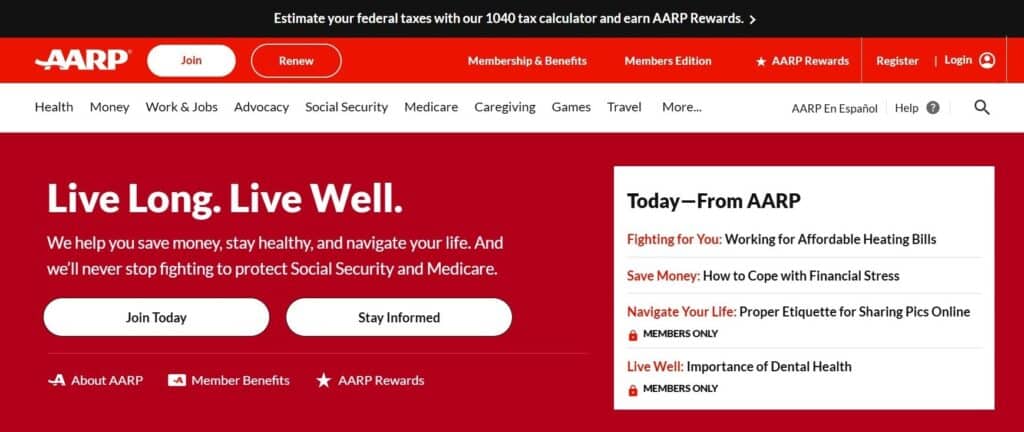
AARP is a non-profit organization that seeks to empower older Americans by being a friend, advocate, and guide. The website has a wealth of information to help you live better, ranging from health, money, and travel to job search and insurance tips.
The org also posts about the issues they’re fighting for, and resources on how to get assistance and grants. While you can use AARP for free, becoming a paid member comes with several additional perks, including discounts on a wide range of things. These include restaurants, flights, hotels, cruises, and spectacles, among others.
National Council on Aging (NCOA)
© NCOA
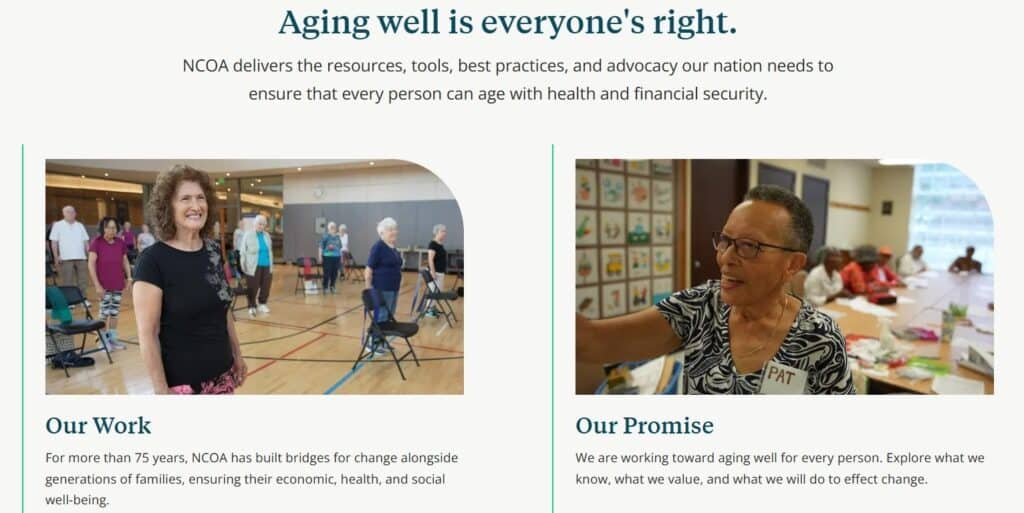
The NCOA was created to help older adults age well and with dignity, with access to all the resources, assistance, and health and economic well-being they might need. They conduct research into the needs of aging adults, partner with corporations to spread awareness, and even advise policymakers and community-based organizations.
Here, you’ll find a wealth of resources on benefits and assistance programs for housing, utilities, medicines, transportations, and so on. You can get info on senior centers, workforce training support, and caregiving support. There are also articles on financial and health management.
In short, this website has every kind of resource and support you may need to thrive in your sunset years.
Assisted Living Directory
There may come a time in your life when you’re unable to carry out the activities of daily living by yourself. And it might not always be feasible for loved ones to become full-time caregivers. In these cases, assisted living is the best option. But, where do you start?
That’s where the Assisted Living Directory comes in. It offers comprehensive resources on how to pick the best assisted living facility for you, how much they cost, as well as a list of facilities for you to compare.
Websites for Teaching Seniors to Use Computers Better
True independence can’t be achieved without tech literacy. Use these websites to learn the A-Z of using mobile phones, computers, tablets, and the internet better, so that you can stop relying on others for tech-related help.
Tech Life Unity (formerly Techboomers)
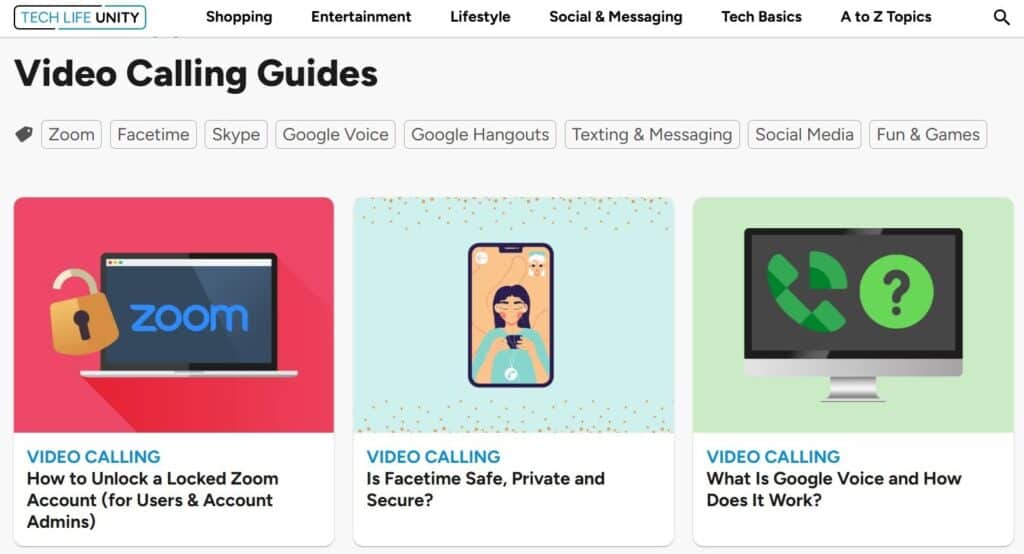
Tech Life Unity is an informational website chock-full of step-by-step guides on how to use gadgets and the internet. Whether you want to learn the basics of switching your photos and contacts to a new phone, learn how to download and use apps, or develop your internet literacy skills, this website has it all.
The guides are comprehensive and very easy to understand and follow. Soon, you’ll be a whiz at technology, and will be teaching your other friends how to use it!
YouTube
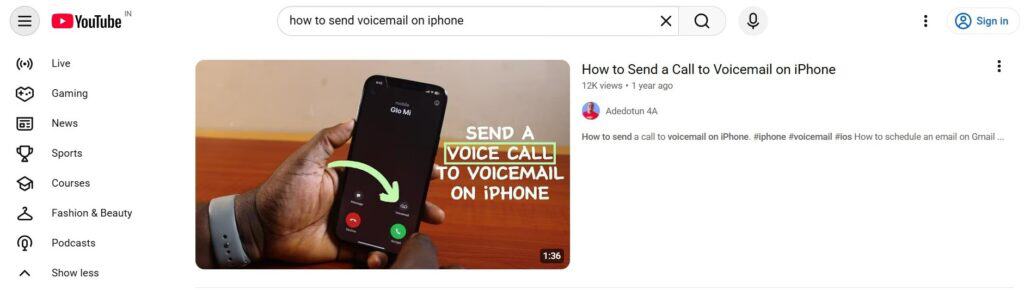
© YouTube – Featured Video by “Adedotun 4a”
If you’re a visual learner, YouTube might be more your speed. It’s a video-sharing platform where you can find tutorial videos on pretty much any topic. There are helpful walkthroughs and animated informational videos that make it very easy to learn about technology.
Just use the search bar to type in your query and select a video (either long or short) from the list of results. If you like the content shared by a specific person, subscribe to their channel to see more of their videos.
Best Gaming Websites for Seniors
Playing beginner-friendly games online not only keeps you entertained, it also strengthens your brain and keeps you feeling sharp.
Classmates Games

© Classmates.com
The Classmates website has free games for you to play online. Once you sign up, you’ll see them under the “Games” navigation menu on the top of the homepage. Pick the game you want to enjoy, and click on “Play Now.” You can access them via the Classmates mobile app, too.
Here are the games currently available (with more coming soon).
Match pairs of identical, unblocked tiles to make them disappear. You win once you clear the whole board!
Shoot bubbles in such a way that they stick to other bubbles of the same color. The bubbles disappear (and give you points) when you match three or more of the same color.
Hurdle is a word game that’s updated 5x daily. In each game, you have to guess the correct 5-letter word in six tries. You can start by entering any random word. Any letters that appear in the final word turn green, while the others remain grey. If a letter turns yellow, it means that letter is part of the final word, but appears in a different position.
Outspell is similar to the classic Scrabble, but with a twist. You play against a virtual opponent and try to create words based on the letters available to you. You can pick between different difficulty modes and play a new challenge everyday!
New York Times Games

© NYT
The New York Times online magazine has a set of daily word-related games designed to challenge your brain. They’re super fun, take only a few minutes to complete, and encourage you to think strategically. The best part, though, is that they’re played so widely that you can share and compare scores with your loved ones to see if they beat you!
You have games like Wordle, Connections, Spelling Bee, Crosswords, and Strands. Once you finish the game, hit the share button and brag about your score.
Health and Exercise Websites for Seniors
Getting older doesn’t mean your quality of life has to suffer. The key to healthy aging lies in exercising, having accurate medical information, and knowing your insurance options in case of emergencies.
WebMD

© WebMD
WebMD gives you medically-accurate health information reviewed by doctors to help you understand more about the changes happening in your body as you age. Want to read up on a symptom that’s been bothering you? Or maybe you want to know the routine tests you should be getting done after 60. WebMD’s got you.
In addition to reading about every ailment and supplement under the sun, you can also find trustworthy doctors through the website.
Medicare
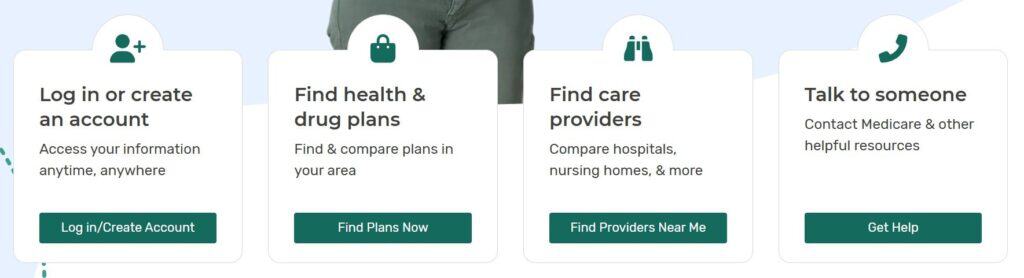
© Medicare.gov
Medicare is an official website by the US government on all things Medicare, the health insurance for those older than 65. You’ll find detailed info on the following:
- How Medicare works
- Eligibility
- How to sign up
- Premium costs and cost-saving programs
- What benefits you’ll get
You can also find which care providers are covered under Medicare. Basically, it works as a one-stop resource for your federal health insurance needs.
Silver Sneakers
Silver Sneakers is a fitness and lifestyle program that’s available for free for adults aged 65+ through certain Medicare programs. This website promotes physical activity and socialization.
You’ll have access to gyms all over the country and instructor-led community classes. If you prefer working out in the comfort of your own home, there’s also an online library of workout videos. Make use of the social network the website offers and meet other like-minded people, too!
Senior Planet from AARP
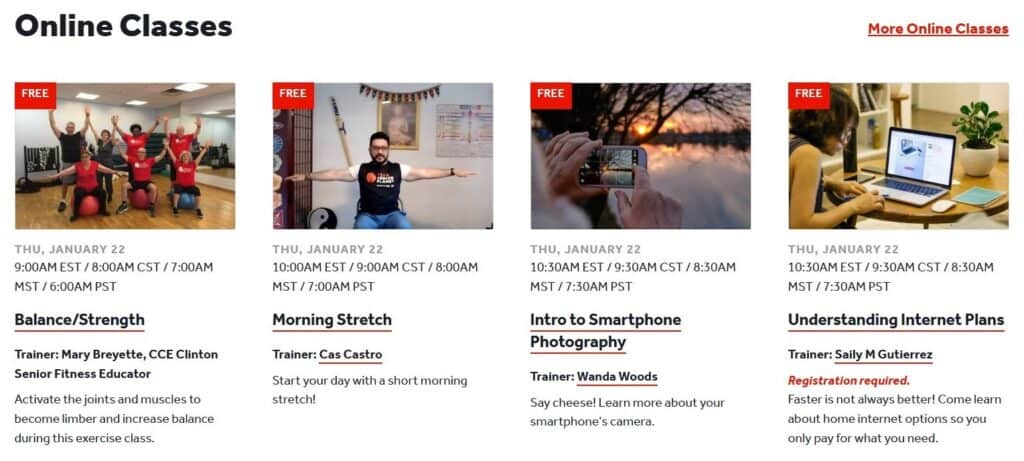
Senior Planet is an initiative by AARP to bring older adults together and help them thrive through free online and in-person classes. There are quite a few low-intensive exercise classes that you can join to get your weekly physical movements in. If you want to build up your social life, there are group discussions that you can check out, too.
In addition to exercise classes, there are also ones on digital literacy and mental wellness. Take a look at their helpful articles for more guidance on a certain topic!
Money Management Websites for Seniors
When you’re retired and no longer bringing in a monthly salary, it’s crucial to stay on top of any retirement benefits you may be eligible for and manage your savings. Here are the most trustworthy websites for that.
Social Security
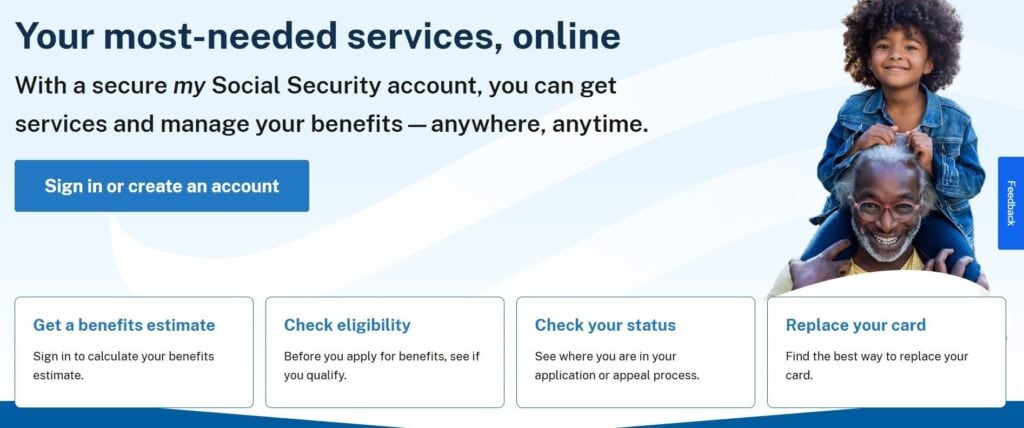
© SSA.gov
The US Social Security Administration (SSA) is an official government website that gives you the down-low on your retirement benefits. This is the #1 reliable source to check if you qualify for benefits, how (and when) you can apply, and how much you’ll receive in the way of payments.
If you’re disabled or a survivor, this is where you’ll be able to check if you qualify for additional benefits as well. With this data, you can create a more informed roadmap for your retirement.
Investor.gov

Investor.gov is yet another official US government website that has helpful tools and resources to get you started on your investment journey. Why do you need to invest, anyway?
Because, the cost of living is rising exponentially and so is inflation. If you don’t invest your money, its value keeps falling, which means $100 today may only be worth $75 in 5 years. Investing prevents you from losing money this way and helps your savings keep pace with inflation.
This website teaches you investment basics, along with how to keep your money safe. There are also several free calculators to help you plan your investments better.
Job Hunting Websites for Retirees
Are you someone who misses having a job that gave you something to do everyday? Or maybe you need some extra money. Either way, these websites will help you find jobs where employers value age and experience.
Retirement Jobs
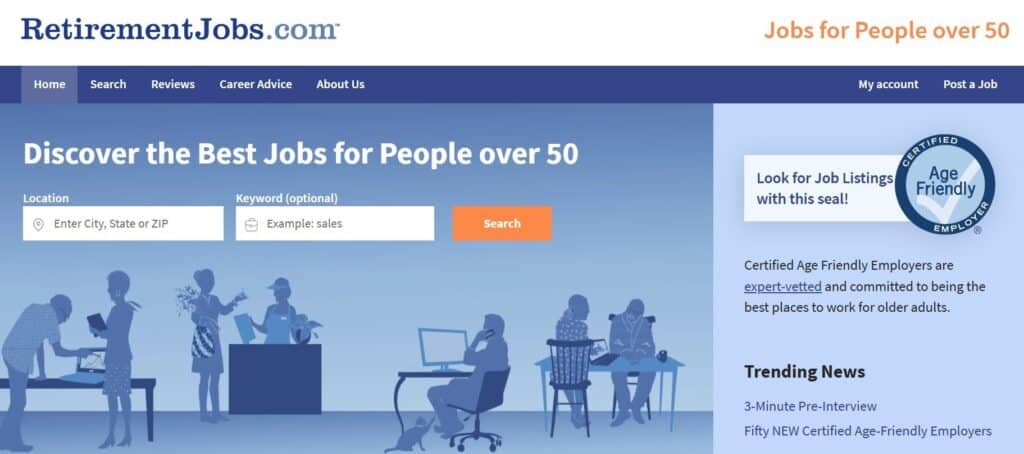
© RetirementJobs.com
This website is specifically designed to help find employment for adults aged 50+. The jobs posted here are ones where your age is valued instead of being discriminated against.
Browse jobs by state and job type, vet employers by reading reviews, check out articles on career advice, and even get personalized help in your job search.
Workforce50
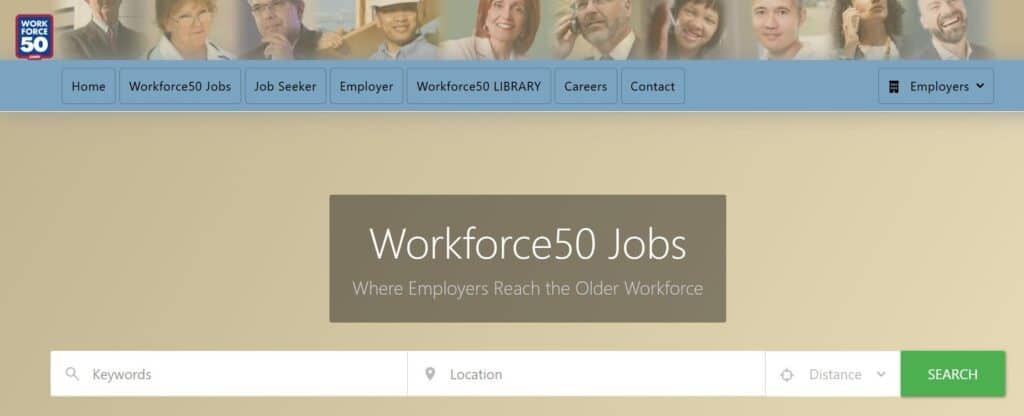
Like Retirement Jobs, Workforce50 is also a job search website for people over 50. You can browse all the available jobs, or search using job title and location. There’s also a very helpful career library if you need additional resources.
Why Should Seniors Use the Internet?
Using the internet gives older adults a ton of benefits:
- Combats loneliness by helping them become a part of online communities
- Keeps them entertained
- Enhances their independence by empowering them to find necessary resources on their own
- Keeps their brain sharp by helping them learn new information
Keep Old Memories Fresh with Classmates
In the winter of our lives, old friends and old memories become the cloaks we wrap around ourselves for warmth. The Classmates website gives you access to both.
Browse the yearbook archives, search for old friends, and trade stories to enrich your daily life.
Websites for Seniors – FAQs
What are the best websites for seniors?
The best websites for seniors include a mixture of social, informational, entertainment, and job hunting websites. Some examples include Classmates, AARP, WebMD, Investor.gov, and Workforce50.
What are the most useful types of websites for seniors to use?
The most useful types of websites for seniors include ones that help them stay in contact with friends and family, games websites, job hunting sites, as well as those that help them learn more about money management, healthcare, tech, and other resources.
Why should seniors regularly use the web?
Seniors should regularly use the internet to build and maintain relationships to prevent loneliness, get necessary resources about aging, entertain themselves, and improve their tech literacy.
Why will seniors love a Classmates+ membership?
Seniors will love an upgraded Classmates membership as it gives them access to:
- Send and receive private messages to any other registered member across the U.S.A.
- View all 480,000 yearbooks from the Classmates archive in full resolution
- See who has visited their profile
- Enjoy an ad-free experience
This article is for informational purposes only. Classmates is not affiliated with, sponsored by, or endorsed by any of the brands or applications mentioned, nor does Classmates endorse any of the companies or products referenced.
All product names, logos, brands, trademarks and registered trademarks are property of their respective owners.